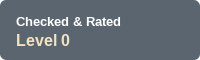
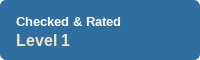
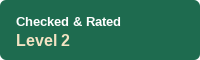
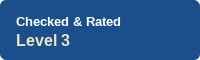
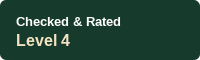
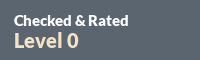
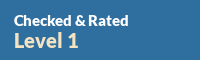
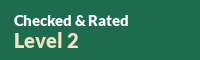
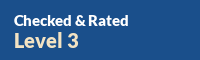
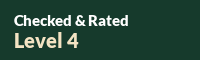
Show that your business is listed on Checked & Rated. The official badge links, with a followed link, to your live profile. Use the level that matches the checks currently shown on your listing.
How to add it
- Open your live listing on Checked & Rated.
- On a full listing, copy the HTML snippet from the “Link to your listing” box.
- Paste it into your website, email signature or quote. Do not change the link.
The snippet always points at your profile, for example https://checkedandrated.co.za/places/your-business/. The badge wording is “Checked & Rated – Level n”, where n is your current trust level.
Claim your listing or get a full listing to unlock the copy box on your profile.